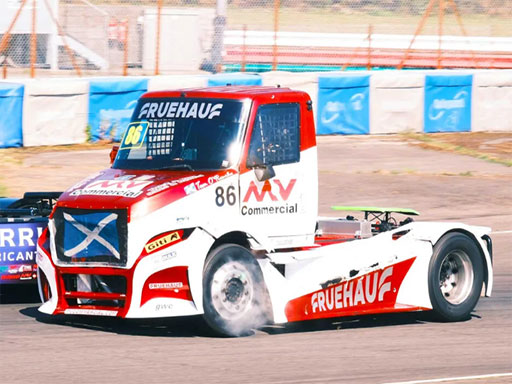
Race trucks on pixel-art courses
American Truck Racing Simulator is an arcade truck racer with pixel-art roads and scenery. Reach each checkpoint before the clock runs out, pass rival trucks and finish high enough to unlock the next race. Stages take place in US cities including Los Angeles, Las Vegas and New York.
Driving controls
Press W or Up to accelerate, S or Down to brake, and A/D or the left and right arrows to steer. Use Space or Shift for nitro. P or Esc pauses. On phones, use the driving buttons on screen. Auto Gas lets you focus on steering by handling acceleration for you.
Save nitro for stretches where you have room to pass. When a bend is coming up, line up the truck before boosting. Focus on reaching the next checkpoint if the clock is low.
Pick a passing line on the pixel road
The pixel city scenery changes between stages, but the two shapes worth following into a bend are the road edge and the back of the truck ahead. Watch where those shapes converge. If the gap is getting smaller as you turn, finish the corner behind the rival and look for a straight stretch to pass. Nitro is easier to use when you can already see the space you want to drive into.
For your first checkpoint run, switch on Auto Gas and practise one thing at a time: braking before the curve, steering through it, then lining up the next straight. If you enjoy judging how much room a vehicle needs to slow down, try landing the capsule in Void Rescue.
American Truck Racing Simulator FAQ
What does Auto Gas do?
Auto Gas handles acceleration so you can concentrate on steering and braking. It is useful while learning the shape of a course.
When is a good time to use nitro?
Use Space or Shift on a clear straight once your truck is lined up to pass. Brake for a tight bend before trying another boost.
How do I reach the next race?
Reach the checkpoints before time expires and finish high enough to unlock the next race. Passing rivals helps, but you still need to beat the checkpoint clock.